September 10, 2026

EHR downtime Minneapolis clinic staff experience isn't a matter of if, but when — whether from an internet outage, a vendor-side failure, or a local network issue. The difference between a clinic that handles this smoothly and one that grinds to a halt is almost always whether a response plan existed before the outage started.
This is a practical 7-step checklist for what to do when your EHR goes down, plus how to prevent the most damaging version of this scenario.
Is this a full system outage, a single workstation issue, or an internet connectivity problem? The response is different depending on scope — don't assume the worst case before confirming what's actually happening. The Office of the National Coordinator for Health IT's contingency planning guidance outlines general federal best practices for EHR downtime preparedness that apply regardless of which EHR platform your clinic uses.

Every clinic should have a defined downtime procedure using paper forms or a pre-printed patient log for the day's schedule — decided in advance, not improvised in the moment. Staff should know exactly where these forms are kept and how to use them without needing instructions during the outage itself.
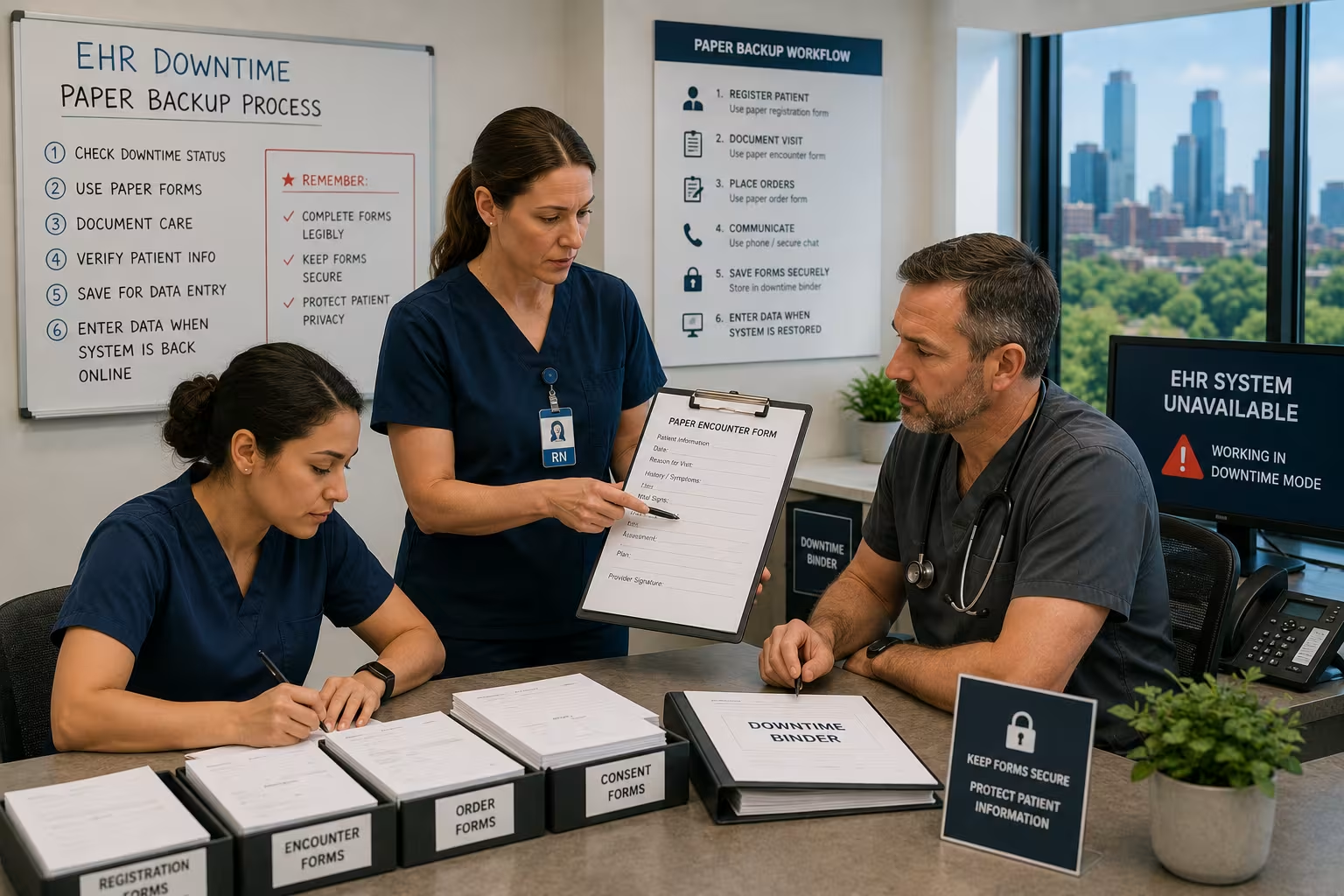
If the outage is expected to last more than a short window, front desk staff need a clear script for informing patients and, if necessary, rescheduling non-urgent appointments — decided calmly rather than reactively mid-crisis.
Contact your IT provider or internal team immediately, and get a realistic estimate of resolution time rather than optimistic guesses — this determines whether the paper backup process needs to run for an hour or a full day.
Every patient interaction handled during the outage needs to be documented clearly enough to be entered into the EHR accurately once systems are restored — missing or incomplete documentation from a downtime period creates both clinical and compliance risk.

Once systems are back online, every paper record from the outage period needs to be entered into the EHR before that information is considered "on the record." This step is often rushed and is where errors most commonly happen — build in dedicated time for this rather than treating it as an afterthought.
After any real outage, review what worked and what didn't. A downtime plan that hasn't been tested or updated in years often has gaps that only show up in an actual event.
The best response to EHR downtime is preventing the outages that cause it in the first place. Data backup and disaster recovery systems, redundant internet connections, and network support built specifically around EHR reliability reduce how often this scenario happens at all — turning a full-day crisis into a rare, brief interruption instead.

If your practice doesn't have a written downtime response plan yet, that's the single highest-value thing to fix before the next outage happens — not during it.
Exutory Solutions offers a free $1,500 IT and Cloud Audit for Minneapolis medical practices, including a direct review of your EHR reliability, backup strategy, and downtime preparedness.
Schedule your free IT and Cloud Audit with Exutory Solutions →