June 18, 2026

Microsoft 365 has become the standard productivity platform for many construction companies.
Yet despite paying for licenses every month, many contractors continue relying on email chains, network drives, text messages, spreadsheets, and paper-based processes to manage projects.
The problem usually isn't Microsoft 365.
The problem is that the platform was never configured to support the way construction companies actually operate.
At Exutory, we frequently work with construction companies throughout Minneapolis and the Twin Cities that already own Microsoft 365 but aren't getting the productivity, collaboration, security, or workflow improvements they expected.
Instead, project information remains scattered across multiple systems, employees struggle to locate documents, and project teams continue relying on inefficient manual processes.
If that sounds familiar, your company may need Microsoft 365 optimisation rather than additional software.
Many contractors don't realise how much inefficiency exists until they evaluate how employees actually work.
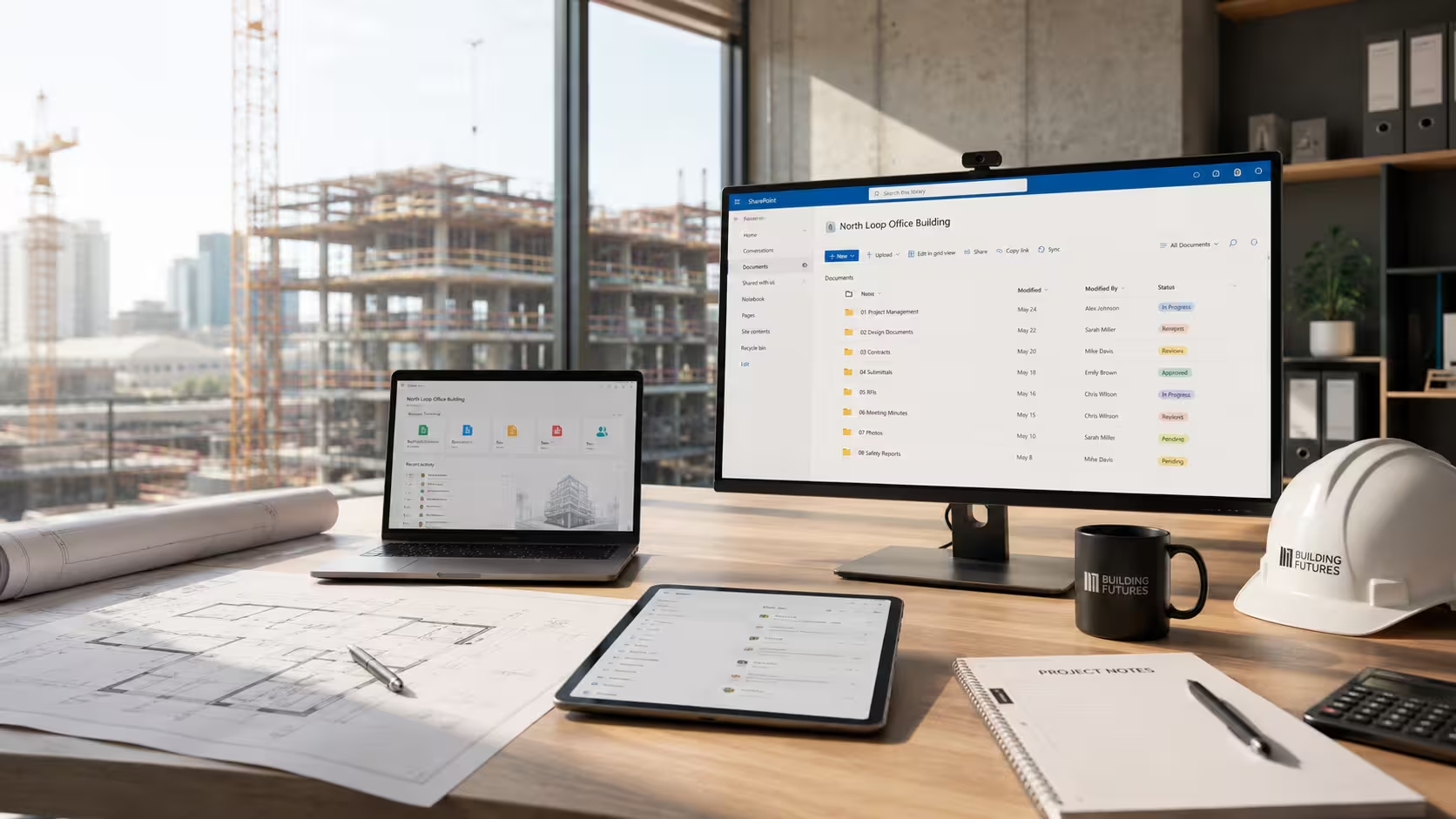
Common warning signs include:
These issues create delays, increase risk, and reduce productivity across every project.
Construction businesses face unique challenges that many Microsoft consultants fail to understand.
Unlike traditional office environments, construction companies must support:
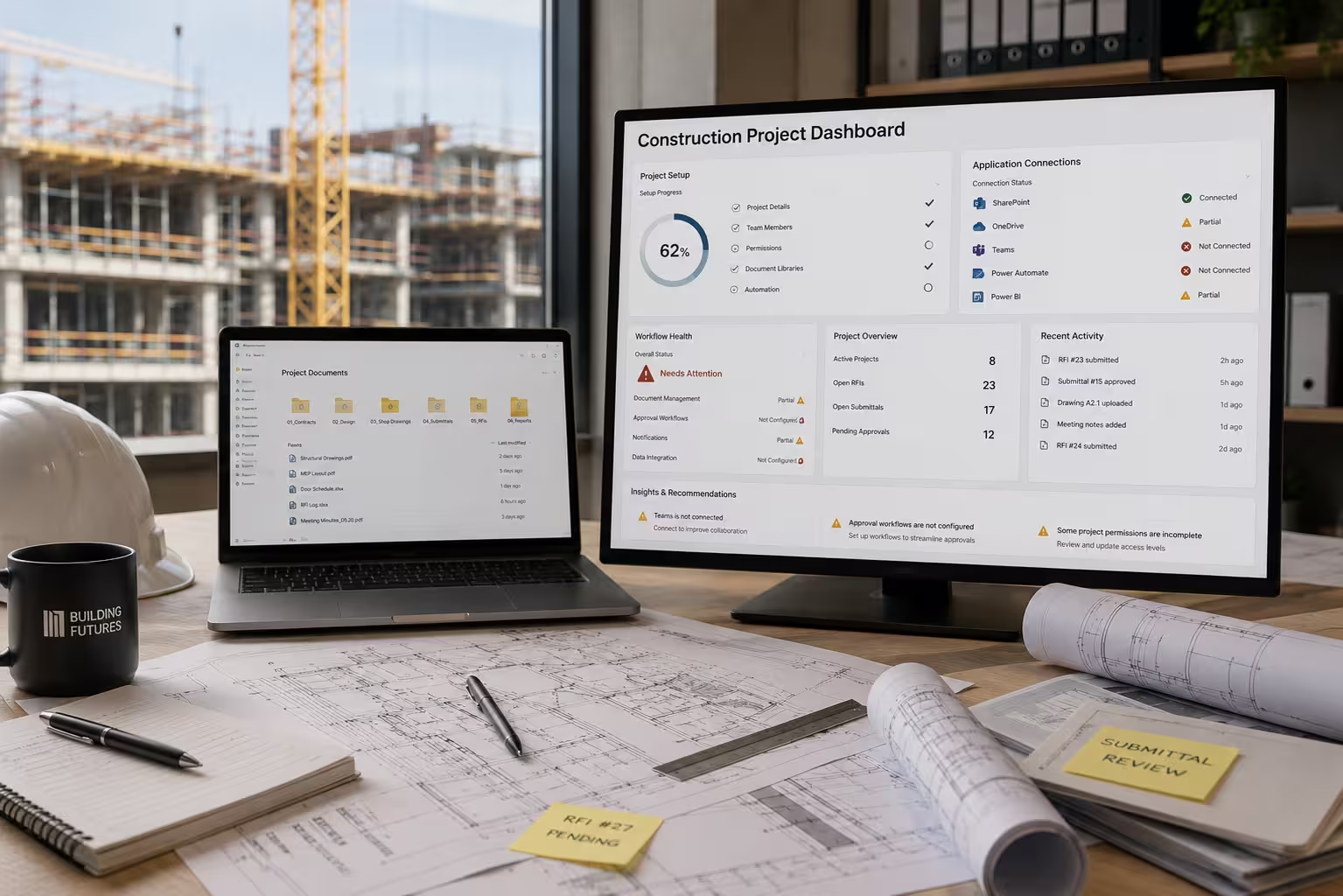
Each group requires access to information, but they don't all work the same way.
Without a structured Microsoft 365 strategy, companies often experience:
Every project develops its own filing system.
Employees waste time searching for documents and learning different processes.
Field personnel need immediate access to drawings, specifications, RFIs, and change orders from job sites.
As projects progress, files multiply rapidly.
Without governance, document libraries become difficult to manage.
Many organisations continue processing approvals manually despite already paying for Power Automate.
A properly configured Microsoft 365 environment should support the entire project lifecycle.

When a new project starts:
Project teams know exactly where information belongs.
Field personnel can access documents from anywhere.
Managers can monitor approvals and workflows without having to chase emails.
The result is greater efficiency, stronger accountability, and fewer communication breakdowns.
One of the biggest misconceptions we encounter is that every construction company needs a migration project.
Many do not.
Understanding the difference can save significant time and money.
When evaluating Microsoft 365 environments for Minneapolis construction companies, we commonly find:
In many cases, companies already own the tools they need.
They simply need a strategy for using them effectively.

Construction companies require more than generic IT support.
They need technology solutions designed around project delivery, document management, field collaboration, and operational efficiency.
Exutory helps Minneapolis and Twin Cities construction companies:
Our approach focuses on aligning technology with the way construction companies actually work.
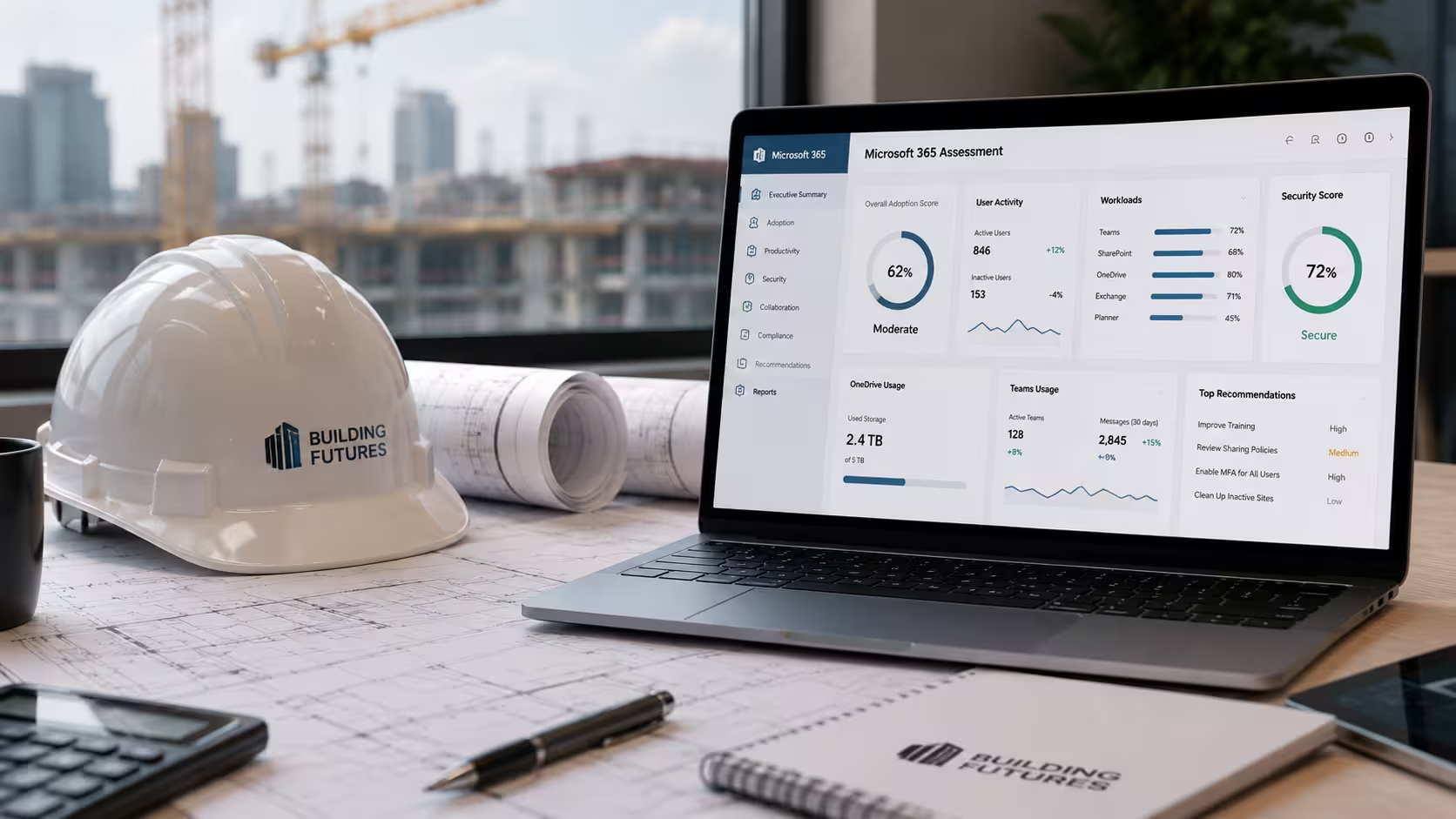
If your construction company is already paying for Microsoft 365 but employees still rely on email, shared drives, and manual processes, the issue may not be the platform.
The issue may be how it has been configured and managed.
A Microsoft 365 assessment can identify opportunities to improve collaboration, streamline document management, automate workflows, strengthen security, and increase the return on your technology investment.
Contact Exutory today to learn how Microsoft 365 optimisation can help your construction company operate more efficiently across every project.


.avif)